
How to update WooCommerce and WordPress safely
Updating WordPress, WooCommerce, your theme or PHP can expose compatibility issues with plugins, payments and shipping. Test changes in staging and monitor real visits after release.
Before updating WooCommerce
- Create and verify a backup of files and database and prepare a restore plan.
- Check WordPress, WooCommerce, PHP, theme and critical plugin compatibility with the planned versions.
- Test first in staging with a recent copy and prevent real orders or emails from that environment.
- Test cart, taxes, coupons, shipping and payment through to order confirmation.
After releasing changes
- Clear relevant caches and check that cart, checkout and account pages do not serve another user’s content.
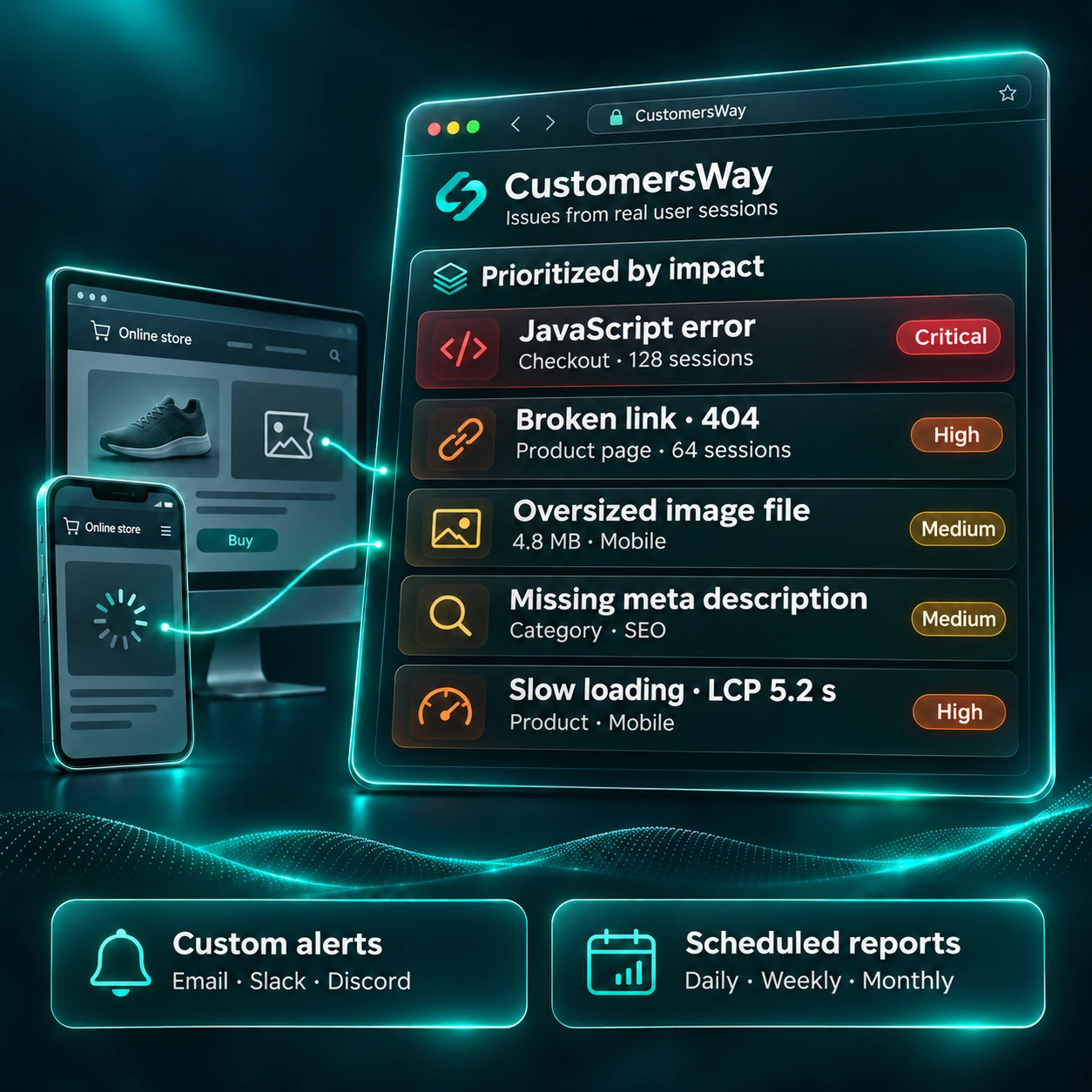
- Review JavaScript errors, failed requests and performance by page, device and browser.
- Compare incidents with the previous baseline and verify that fixes stop recurring.
Related WooCommerce guides
Related articles
Frequently asked questions
Should I update all plugins at once?
Review compatibility and test changes in a controlled way so you can identify the source of an incident.
Does CustomersWay update WooCommerce?
No. Your team or agency performs the update; CustomersWay helps detect incidents during real visits.
Why install it before updating?
Earlier data lets you compare errors and performance before and after the change.
Monitor your WooCommerce store with real visits
Detect technical incidents and prioritize fixes by impact.