Platforms · Shopify
Monitor your Shopify store with real user data
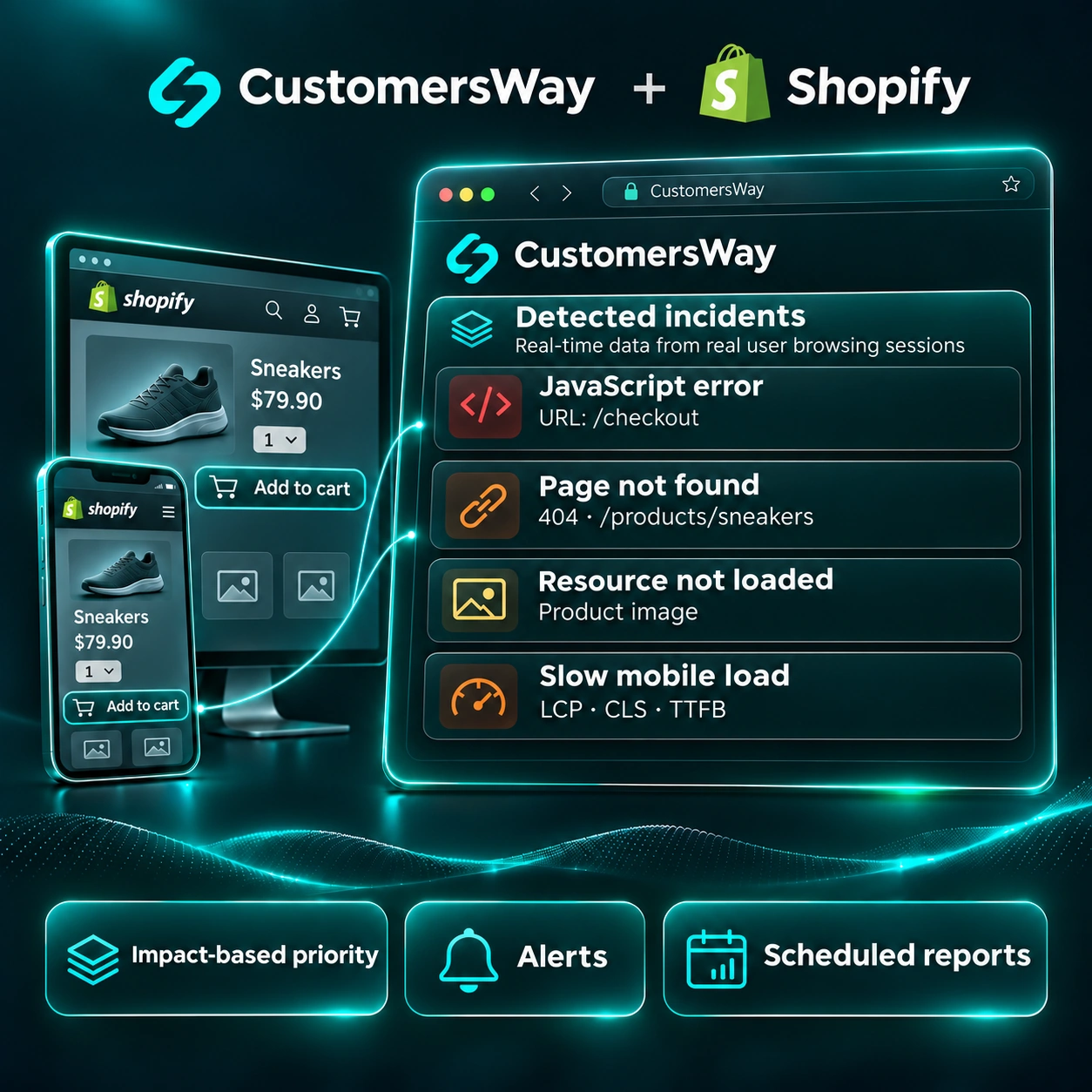
CustomersWay detects technical incidents in Shopify from real user sessions: script errors, speed regressions, and failed resources that impact conversion.
No card required · Prefer to talk? Request a demo
Real-time monitoring
No-code install
What brings you here?
I run a Shopify store
- You know every error as it happens
- You fix the real blockers
- No checkout changes required
Start 10-day free trial
I manage stores for clients
- All stores in one panel
- Priority by impact
- Clear client reporting
See agency version
What usually breaks in Shopify
- App blocks or scripts affected by theme changes.
- Variant selectors or cart buttons that stop responding.
- Slow product pages caused by large images or third-party scripts.
- Broken links after product or collection URL changes.
What CustomersWay does for your Shopify store
- Detects JavaScript errors and failed resources during real visits.
- Detects visits to broken links during real navigation.
- Measures real performance with metrics such as LCP, CLS and TTFB.
- Helps prioritize incidents by impact and recurrence.
- Provides alerts and scheduled reports for your team.
Shopify technical guides by problem
Frequently asked questions
Do I need to modify checkout logic?
No. Installation is lightweight and does not require checkout business-logic changes.
Can I receive alerts automatically?
Yes. You can use email, Slack, Discord or webhook alerts.
Is this useful for agencies?
Yes. It helps agencies detect incidents early and report impact clearly.
Detect Shopify incidents before they become revenue loss
Start the 10-day trial and prioritize technical fixes with real evidence.