
Slow Shopify: how to measure and improve speed
Images, themes and app scripts can affect product and collection load times. Combine lab tests with real visitor data.
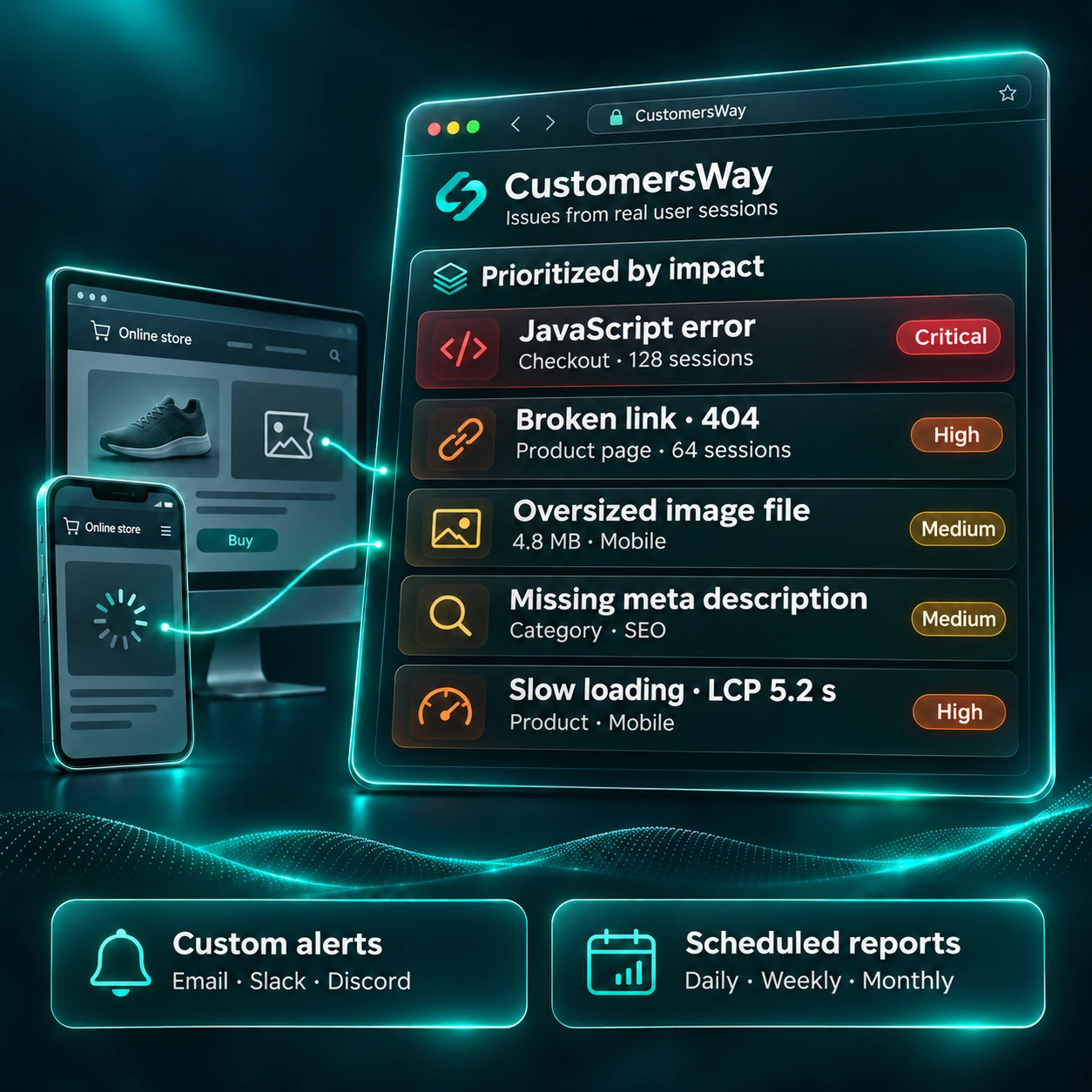
What to review in Shopify
- Compare LCP, CLS and TTFB by page and device, especially for products and collections.
- Review large images, render-blocking resources and external scripts.
- Evaluate active app blocks and applications in each template before adding more functionality.
How to validate improvements
- Test changes in a duplicate theme before publishing.
- Compare trends on real devices and connections after each change.
- Check that product and cart functions still work.
Related Shopify guides
Related articles
Frequently asked questions
Does a good lab score guarantee a fast store?
No. Visitors use devices and connections that an isolated test may miss.
Do all apps slow down Shopify?
Not necessarily. Their impact depends on the resources and functionality they load; measure before deciding.
Does CustomersWay optimize the theme automatically?
No. It provides data to investigate and prioritize; your team makes improvements.
Monitor your Shopify store with real visits
Detect technical incidents and prioritize fixes by impact.