Platforms · WooCommerce
Monitor your WooCommerce store with real user data
CustomersWay detects errors, broken links, and speed regressions in WooCommerce from real sessions, so your team can fix what affects conversion first.
No card required · Prefer to talk?
Request a demo
Real-time monitoring
No-code install
For WordPress stores
What brings you here?
I run a WooCommerce store
- I know what breaks before customers do
- I prioritize the issues with real impact
- No checkout logic changes
Start 10-day free trial
I manage ecommerce for clients
- All stores in one dashboard
- Alerting by customer
- Clear technical reporting
See agency version
What usually breaks in WooCommerce
- Payment or shipping plugins that conflict after an update.
- Cart or checkout pages affected by cache or session configuration.
- Theme changes that introduce errors or slow product pages.
- Broken links after changes to product URLs or the catalog.
What CustomersWay does for your WooCommerce store
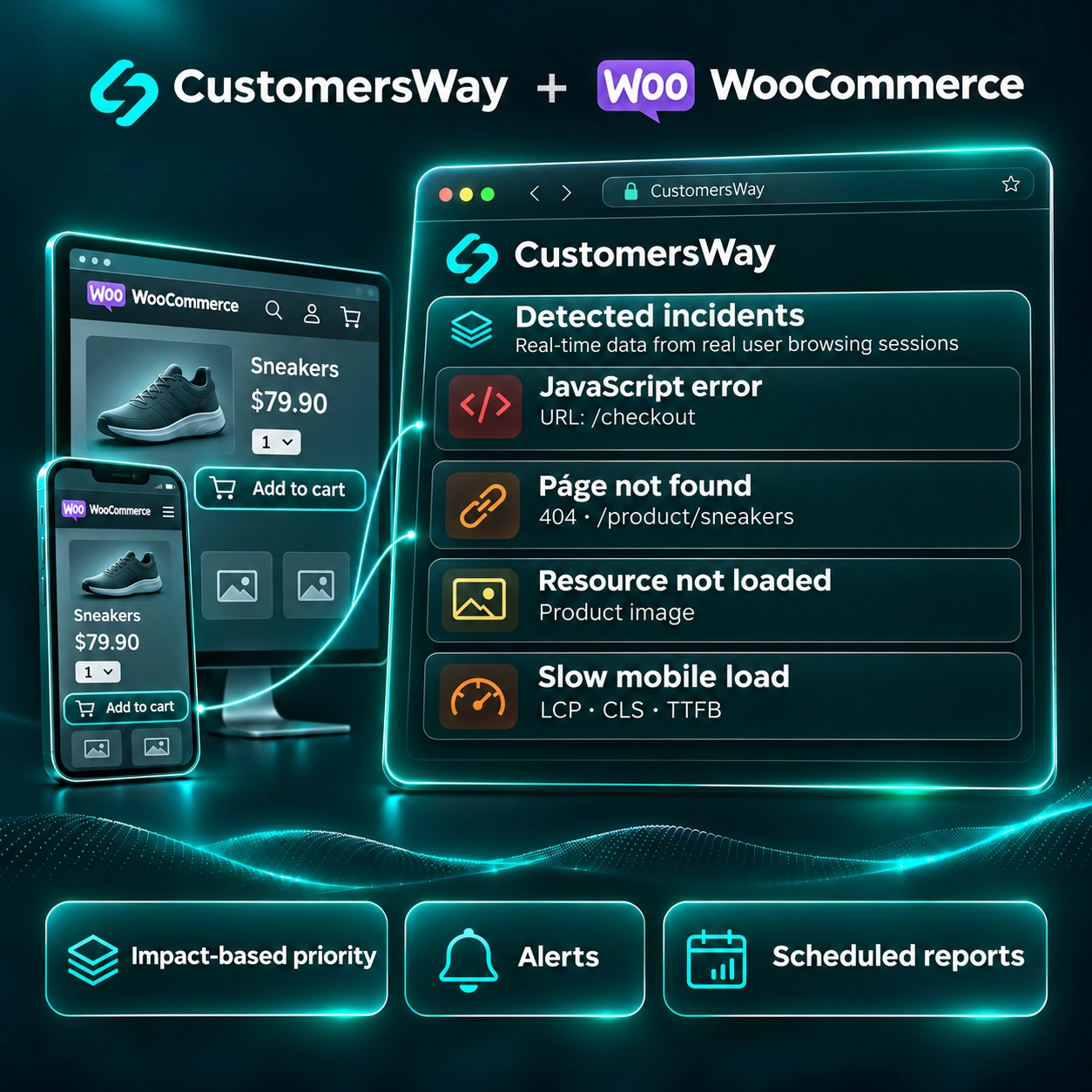
- Detects JavaScript errors and failed resources during real visits.
- Detects visits to broken links during real navigation.
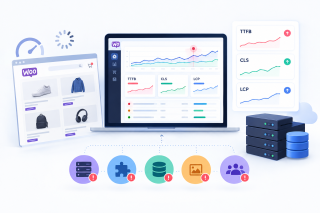
- Measures real performance with metrics such as LCP, CLS and TTFB.
- Helps prioritize incidents by impact and recurrence.
- Provides alerts and scheduled reports for your team.
WooCommerce technical guides by problem
Frequently asked questions
Is this a WooCommerce plugin?
No. It is a lightweight script that can be installed via theme or Google Tag Manager.
Will it affect performance?
No. It is designed to keep runtime impact minimal.
How quickly will we see incidents?
First detections can appear within seconds after installation.
Start monitoring WooCommerce before incidents reach customers
Use the 10-day trial and prioritize fixes by real impact.