
Update PrestaShop without breaking your store
Most update incidents happen in modules, overrides, theme compatibility or PHP version mismatch. Prepare first, test in staging, and monitor real users after release.
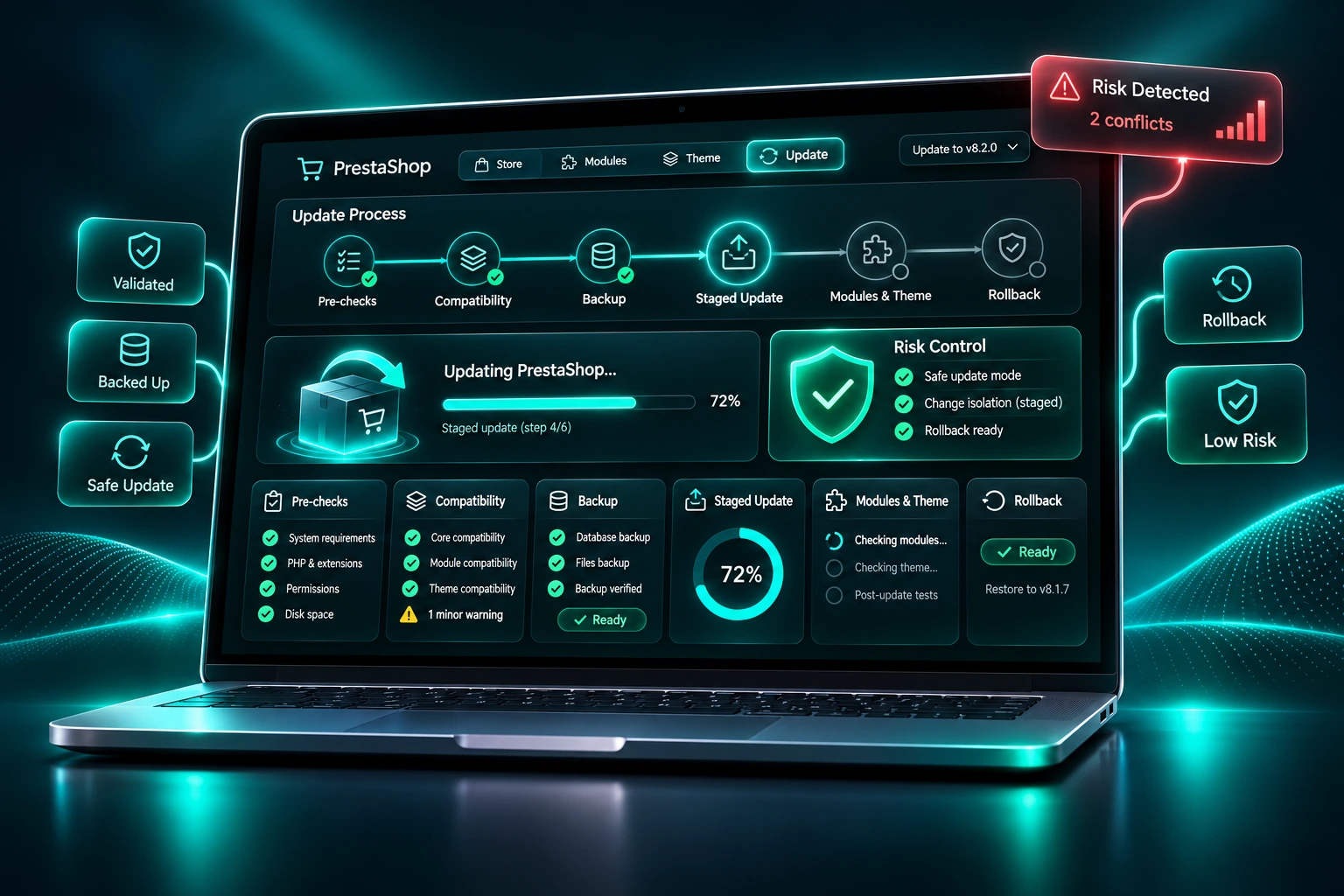
Pre-update checklist
- Full backup (files and database).
- Check PHP and module compatibility for target version.
- Inventory overrides and critical customizations.
- Test in staging before production.
- Run full purchase test (cart, shipping, payment, confirmation).
How CustomersWay helps after updating
- New error spikes grouped by URL and browser.
- Immediate alerts for checkout and product incidents.
- Real-user confirmation that fixes are effective.
Related technical pages
FAQ
Can CustomersWay perform the update for me?
No. CustomersWay monitors incidents; update execution remains with your team or agency.
Should I install before updating?
Yes. Baseline data before changes lets you compare impact after release.
How long should I monitor after release?
At least 7 days to catch browser, device, and payment-method edge cases.
Update with confidence
If something breaks after release, know it before customers complain.