
When a module breaks your PrestaShop
Module conflicts often start as JavaScript or resource loading issues in checkout and product templates. Detecting root cause early prevents silent revenue loss.
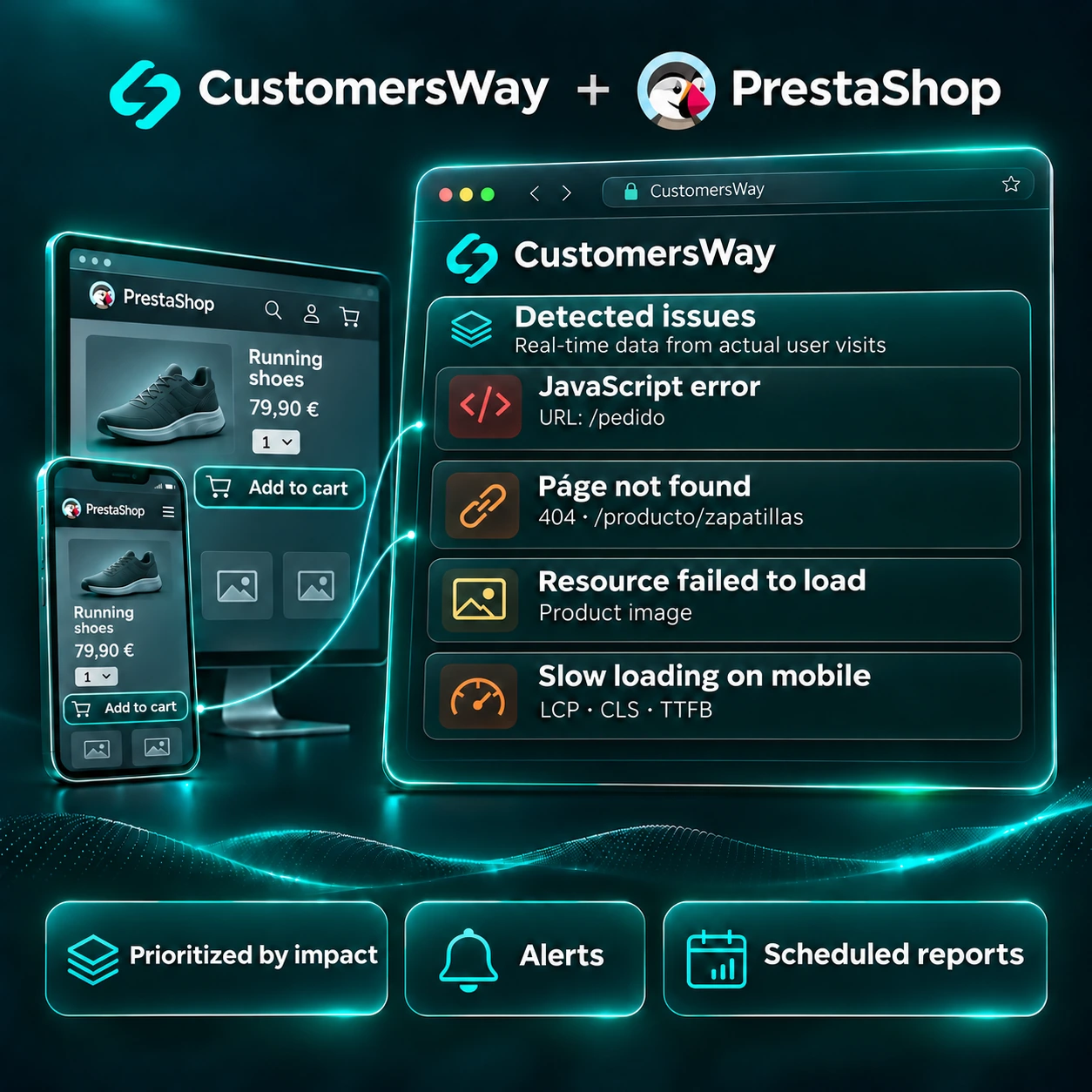
Typical module-related failures
- Script conflicts between payment, checkout and cookie modules.
- Override collisions after updates.
- AJAX errors that block key actions without clear UI feedback.
- Performance degradation from unnecessary global scripts.
How to identify the culprit module
- Compare incident start date with last installation or update.
- Check which page and browser fail most often.
- Inspect browser console for /modules/{name}/ paths.
- Disable non-core modules in staging and test incrementally.
- Monitor recurrence after fix to confirm stability.
See errors by module, page and device
Detect incident patterns in real traffic before they scale.